
Download Smarters Player Lite
Download Smarters Player Lite and prepare a compatible player on Smart TV, Android, smartphone, tablet or computer.
Before downloading the application, choose your subscription to make full use of the available services.
Smarters IPTV APK
Installation in three steps
- 1
Choose and order your subscription.
- 2
Download a compatible application on your device.
- 3
Enter the information received and start watching.
Prepare Smarters Player Lite correctly on your device
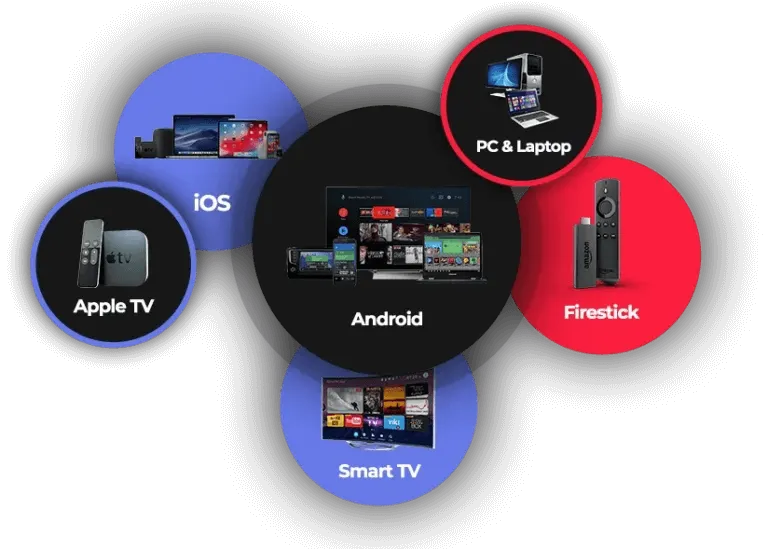
Before installation, check that your device has a stable internet connection and enough free storage. Smarters Player Lite can be used on many compatible devices, including Smart TV, Android TV, smartphone, tablet and computer. The appropriate application and installation method may vary by operating system.
After ordering, keep the access information you receive and enter it exactly in the application. Ethernet is often more stable than weak Wi-Fi on a television. Our WhatsApp support can help you choose a plan, install a compatible player and review the essential settings before first use.
To continue, review the available offers and choose a duration suited to your needs. You can also contact our team before ordering to check compatibility, request a test and receive personalised installation advice.
Good preparation reduces errors and makes setup easier. These pages are updated with compatible devices, key configuration steps and quick ways to reach a person when you have a question.
Ready to choose your subscription?
Compare Standard and VIP plans to find the right duration and options for your devices.